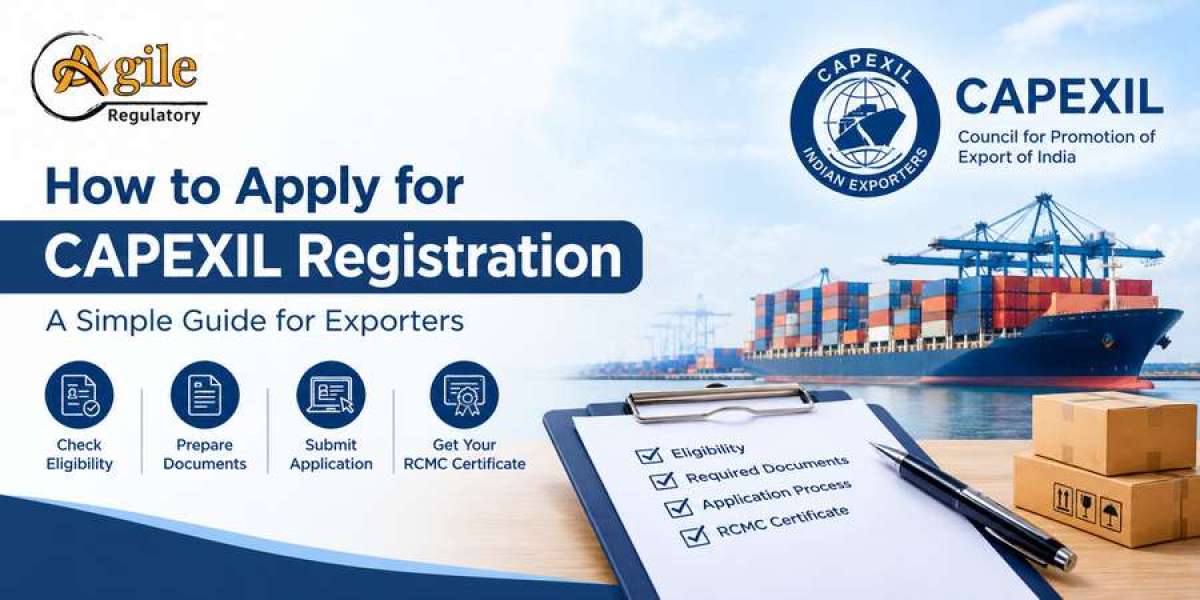

A practical starting point for CAPEXIL online registration
Online registration can make export compliance easier to manage, but the application process still requires careful preparation. Businesses need to choose the correct product panel, enter accurate information and provide the documents requested by the council.
For eligible exporters, CAPEXIL online registration is the route to apply for membership and an RCMC. Existing members may also need online services for renewals, endorsements, amendments or accessing their records.
The key is to identify which service you need before opening an application. A new member and an existing member correcting a business detail may have different requirements.
This guide walks through the main stages and explains how to avoid common problems.
Start with the official CAPEXIL website
The first step is to visit CAPEXIL's official website and review the current membership information.
CAPEXIL also operates an online membership system for membership-related functions. Its official website provides information about the council, product categories and fee structure.
Before entering information, make sure you are using the official website or a registration link reached through it. Be careful with third-party websites that resemble government or council portals.
Check whether your products qualify
Before creating an application, confirm that your products fall within CAPEXIL's current coverage.
A company's industry name does not always establish the correct export promotion council. Review the actual product description and relevant classification.
For example, a business may export multiple types of industrial materials. Some may fall within CAPEXIL's panels, while others may be covered by a different council or require separate registrations.
If you are unsure, resolve the product-panel question before paying the fee.
Documents to prepare before applying
Having your information ready can make the online process easier. Depending on the application, the following records may be relevant:
PAN and business details: Ensure that the legal name and identity information match the supporting records.
IEC details: Keep the Importer Exporter Code information available where required.
Address and contact information: Use current business details and an accessible email address.
Bank details: Prepare the information requested by CAPEXIL.
Product-panel details: Identify the product categories for which membership is sought.
Export turnover declaration: CAPEXIL's fee guidance specifies a self-certified export turnover statement in FOB value, signed and stamped by the competent person. The relevant financial year depends on the application date.
Authorised signatory details: Ensure the person completing the application has the authority to make the relevant declarations.
The final list should always be checked against the current application instructions. Additional requirements may apply depending on the entity and service.
How to complete CAPEXIL online registration
Step 1: Open the membership application
Use the official CAPEXIL website to find the current membership or RCMC application route.
Step 2: Select the appropriate membership category
Enter the details requested for your business and select the appropriate product panel. Check the selection before moving forward.
Step 3: Fill in the applicant information
Provide the requested business identity, IEC, address and contact details. Ensure that the information is consistent with your supporting records.
Step 4: Upload supporting documents
Upload readable documents in the format accepted by the portal. Check that the relevant pages are complete and that any required declarations have been signed.
Step 5: Review fees
Use the current official fee structure to identify the relevant admission fee, subscription and any additional panel charges.
Step 6: Submit and pay
Follow the portal's submission and payment instructions. Retain the acknowledgement, payment receipt and any application reference.
Step 7: Monitor the application
Check the relevant account and registered email for updates. If additional documents are requested, respond through the prescribed process.
Step 8: Access the RCMC
After approval, follow the council's instructions for accessing the issued certificate through the online membership system. CAPEXIL has described online access to membership and RCMC records in its published guidance.
How to check CAPEXIL certificate status
If you have already submitted an application, avoid filing another application immediately just because you have not received an update.
Instead, locate the original application using the available reference or account details. Review any status information displayed by the portal and check your registered email.
If the status indicates that additional information is needed, read the request carefully and submit the relevant documents.
If the application appears complete but you cannot find the certificate, verify whether the application has been approved and whether you are accessing the correct membership account.
For issues that cannot be resolved through the portal, use the official CAPEXIL contact channels listed on its website.
Membership fees and payment checks
The official CAPEXIL fee page lists admission fees of ₹3,000 plus GST for the stated turnover category up to ₹25 lakh and ₹5,000 plus GST above ₹25 lakh. It also lists a charge for each additional panel. These figures are not necessarily the total payable for every application because the applicable subscription and other conditions must also be considered.
Before payment, confirm:
The membership category selected.
The applicable subscription period.
The correct product panel.
Any additional panel charges.
Whether GST is included in or added to the displayed amount.
Whether the fee relates to new membership, renewal or another service.
Always rely on the amount shown through the current official application process.
Common online registration problems
Incorrect product panel: Review the product details before selecting the panel.
Business-name mismatch: Check that the name entered is consistent with the supporting records.
Incomplete turnover declaration: Use the appropriate financial year and obtain the required authorisation.
Unclear document uploads: Make sure all relevant pages are readable.
Payment confusion: Keep the transaction reference and receipt.
Certificate not visible: Check the account, application status and any pending requirements before assuming that the certificate has not been issued.
How professional assistance can help
A consultant may help review the document checklist, organise turnover information, identify the relevant membership category and follow up on application queries.
Agile Regulatory provides regulatory documentation and application support. When seeking assistance, clarify whether you need new membership, renewal, an amendment or help retrieving an existing certificate.
Professional assistance should make the process clearer, not create the impression that approval is guaranteed.
Frequently asked questions
1. Where can I start CAPEXIL online registration?
Begin with the official CAPEXIL website and follow its current membership application instructions.
2. Can existing members access their RCMC online?
CAPEXIL provides online membership services. Use the current account and certificate-access instructions.
3. Which documents are required?
Requirements depend on the applicant and service. Business details, IEC information, product-panel details and export turnover information may be relevant.
4. How can I check my application status?
Use the application or membership account and review any official notifications or requests for additional documents.
5. What should I do if the certificate is not visible?
Check the application status, confirm the account being used and contact CAPEXIL through its official channels if needed.
Conclusion
CAPEXIL online registration is easier to manage when the product panel, documents and fee category are confirmed in advance. Keep a record of the application reference and payment receipt, respond promptly to document requests and use the official membership system to track progress and access the issued RCMC.