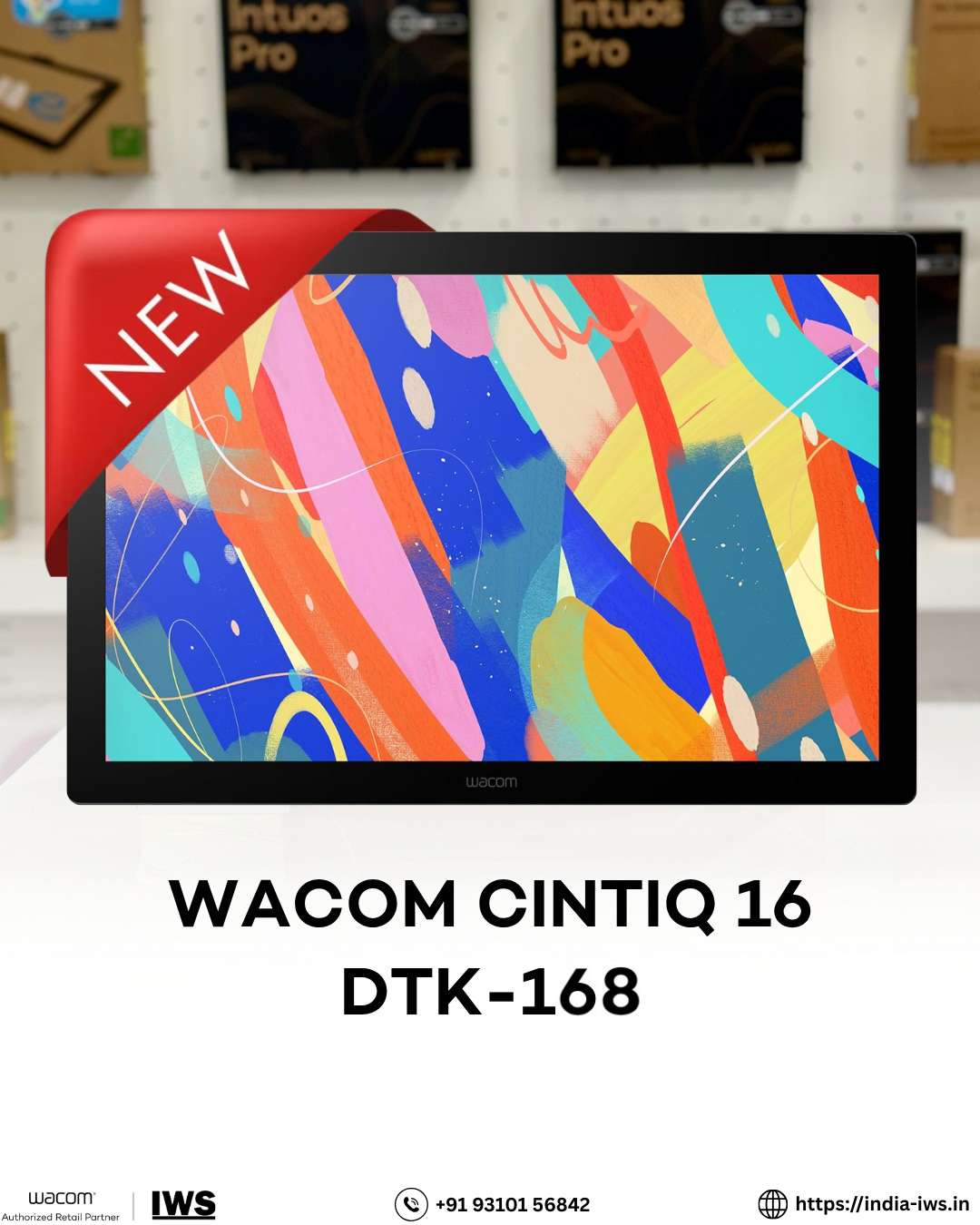
Why Wacom Tablets Matter in 2026?
In 2026, digital creators rely heavily on precision hardware to produce professional-quality artwork. Whether you’re an illustrator, animator, architect, photo editor, or design student, choosing the right Wacom tablets or Wacom pen display directly impacts productivity and output quality.
India Webcomm Solutions (india-iws.in) provides genuine Wacom tablets in India, including professional pen displays and stylus accessories tailored for creative professionals.
Understanding Wacom tablet specifications before purchasing ensures you invest in the right device for your workflow.
Key Wacom Tablets Specifications You Must Know in 2026
1. Pressure Sensitivity Levels (Most Important Feature)
Pressure sensitivity determines how accurately your tablet responds to pen pressure.
Entry-level tablets: 2048 pressure levels
Professional models like Wacom Intuos Pro and Wacom Cintiq Pro: 8192 pressure levels
Higher pressure sensitivity allows:
Natural brush strokes
Smooth shading transitions
Detailed line variation
Pencil-like drawing control
For illustrators and concept artists, 8192 levels create a noticeably smoother experience.
2. Display Resolution – Full HD vs 4K
For Wacom pen displays, screen resolution directly affects clarity.
Full HD (1920×108: Suitable for general design work
4K (3840×216: Ideal for photo editing, animation, and print design
Professional creators prefer 4K displays because they offer:
Sharper details
Improved color reproduction
Better workspace visibility
99% Adobe RGB color accuracy
Higher resolution ensures what you see on screen matches the final output.
3. Wacom Pro Pen Technology
Wacom’s battery-free Pro Pen technology provides:
8192 pressure levels
Tilt recognition
No charging required
High precision tracking
Tilt recognition allows realistic shading effects, especially useful for:
Comic illustrators
Concept artists
Fine artists
3D modelers
The battery-free design prevents interruptions during long creative sessions.
4. Connectivity & Software Compatibility
Modern creative workflows demand flexibility.
Wacom tablets support:
USB-C connectivity
HDMI
Bluetooth (wireless models)
They are compatible with:
Windows
macOS
Optimized for software like:
Adobe Photoshop
Adobe Illustrator
CorelDRAW
Clip Studio Paint
Blender
This ensures smooth integration with professional creative setups.
Wacom Tablet Series Comparison in 2026
Wacom Cintiq Pro Series – Best for Direct Screen Drawing
The Wacom Cintiq Pro is ideal for professionals who want a screen-based drawing experience.
Available sizes:
17-inch
22-inch
24-inch
Key benefits:
4K resolution
Multi-touch support (select models)
Natural pen-on-screen feel
Adjustable stands for better ergonomics
Best for:
Digital illustrators
Animators
High-end creative professionals
Wacom Intuos Pro – Best Non-Display Graphic Tablet
The Wacom Intuos Pro is perfect for professionals who prefer working with a separate monitor.
Available sizes:
Small
Medium
Large
Features:
8192 pressure levels
Customizable Express Keys
Precision pen control
Bluetooth connectivity
Best for:
Graphic designers
Branding specialists
Photo editors
Express Keys allow workflow shortcuts, reducing keyboard dependency.
One by Wacom – Best for Beginners
For students and hobbyists, One by Wacom offers affordability without compromising quality.
Features:
Battery-free stylus
Smooth pen interaction
Reliable performance
Best for:
Beginners
Design students
Entry-level digital artists
How to Choose the Right Wacom Tablet in 2026
Choose based on your profession:
Profession Recommended Model
Graphic Designers Intuos Pro
Digital Illustrators Cintiq Pro
Animators & 3D Artists Cintiq Pro (4K models)
Students One by Wacom
Consider:
Workspace size
Budget
Portability needs
Screen vs non-screen preference
Ergonomics & Long-Term Comfort
Creative professionals work long hours. Wacom devices are designed to reduce fatigue.
Key ergonomic benefits:
Lightweight stylus
Adjustable display stands
Natural wrist positioning
Smooth pen grip
Better posture improves productivity and prevents strain over time.
Why Buy Wacom Tablets from India Webcomm Solutions?
India Webcomm Solutions offers:
Genuine Wacom products in India
Professional support
Complete product range
Trusted sourcing
If you’re planning to buy Wacom tablet in India, choose a verified distributor to ensure product authenticity and warranty coverage.
SEO-Friendly FAQ Section
1. Which Wacom tablet is best for professional artists in 2026?
The Wacom Cintiq Pro series is best for professionals due to 4K display, 8192 pressure levels, and tilt recognition.
2. Is 8192 pressure sensitivity necessary?
For professionals, yes. It provides smoother transitions and better stroke control compared to 2048 levels.
3. What is the difference between Wacom Cintiq Pro and Intuos Pro?
Cintiq Pro has a built-in display, while Intuos Pro requires a separate monitor.
4. Is Wacom compatible with Adobe software?
Yes. Wacom tablets are fully compatible with Adobe Photoshop, Illustrator, and other professional software.
5. Which Wacom tablet is best for beginners?
One by Wacom is a cost-effective and reliable entry-level option.