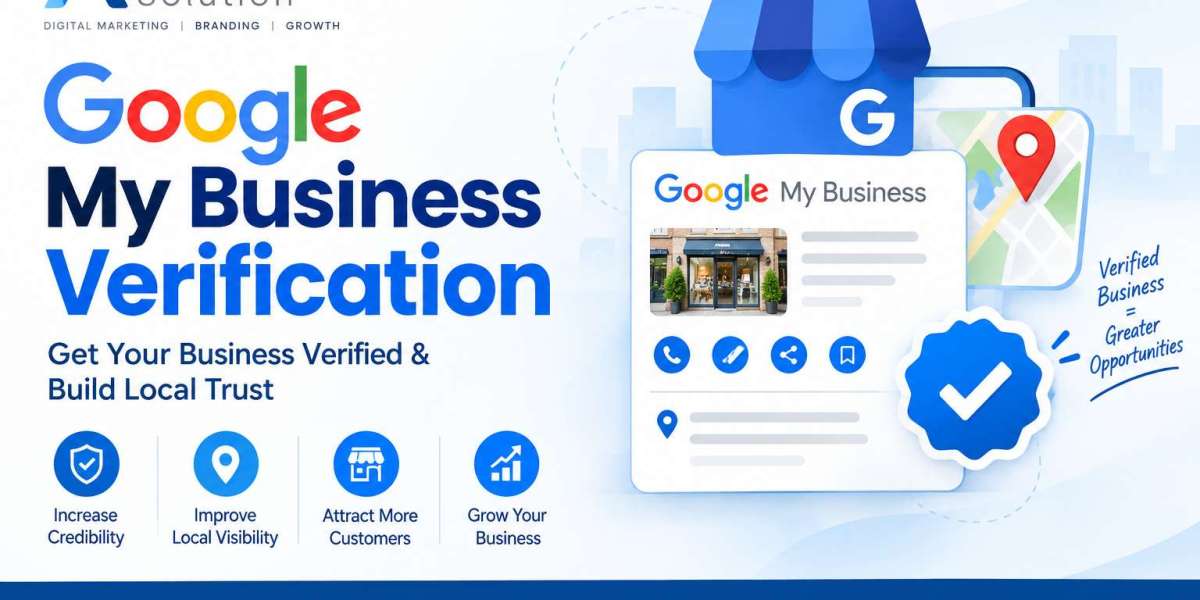

Learning How to Make Google Business Profile is an important step for businesses that want to maintain an accurate presence on Google Search and Google Maps. A properly created and verified Business Profile can display important information such as your business name, hours, phone number, website, location, services, photos, and customer reviews.
If you are researching How to Make Google Business Profile, the process starts with determining whether your business is eligible, preparing accurate business information, creating or claiming the profile, and completing Google's verification process. Once verified, you can manage the listing and keep the information current for customers.
Understand Google Business Profile
Google Business Profile is a free Google tool that allows eligible businesses to manage how their business information appears across Google Search and Maps. It is designed for businesses that interact with customers in person, including businesses with physical locations and service-area businesses that visit customers. Online-only businesses that do not meet Google's in-person interaction requirements may not qualify for a Business Profile.
A complete profile can provide customers with useful information before they contact or visit a business. Depending on the business and available features, customers may see the business category, location, operating hours, contact details, website, photos, services, reviews, and other information.
Check Your Business Eligibility
Before creating a listing, confirm that your business meets Google's eligibility requirements. Google generally allows businesses that have a physical location customers can visit or businesses that travel to customers. Service-area businesses can configure their service areas instead of displaying a customer-facing storefront address when appropriate.
Businesses should represent themselves accurately and use information that matches their real-world business identity. Google also recommends using the fewest categories necessary to describe the core business and avoiding duplicate profiles for the same business.
Prepare Your Business Information
Gather the information you will need before starting the setup process. Preparing these details in advance can make the process easier and help keep your listing consistent.
Important information may include your official business name, primary category, address or service area, telephone number, website address, operating hours, business description, services, products, photos, and other relevant details.
Your business name should represent the name customers recognize in the real world. Avoid adding unnecessary keywords, promotional phrases, or extra information to the business name. Accurate information helps create a consistent business presence across your online properties.
Create a Google Account for Business Management
A Google Account is required to sign up for and manage a Google Business Profile. You can use an existing Google Account or create a new account for business management. If several people will manage the listing, using appropriate user access is preferable to sharing account credentials.
For businesses with multiple employees or marketing professionals, assigning individual owners or managers can make account administration easier. Google provides different access levels so authorized users can help update information, respond to reviews, and manage posts.
Create or Claim Your Business Profile
To create a new Business Profile, visit Google's Business Profile setup process and follow the instructions to add your business. Google may also display an existing listing if your business is already present on Maps or Search.
If a profile already exists, check whether it belongs to your business. You may need to claim the existing profile rather than creating another listing. Having duplicate profiles can create confusion and may cause problems with how business information appears on Google.
During setup, provide your business name and other requested information carefully. Review every field before continuing so that incorrect information does not become part of your public listing.
Choose the Correct Business Category
The primary business category helps Google understand what your business offers. Select the category that most accurately represents your main business activity. Additional categories can be used when they accurately describe other important services offered by the business.
Category selection should be based on the actual services or products provided rather than keywords you simply want to target. Avoid selecting unrelated categories because they may not accurately represent your business.
Add Your Business Location or Service Area
Businesses with customer-facing locations can provide their eligible business address. Service-area businesses can configure the areas they serve when appropriate. The information should accurately represent where customers can find the business or where the business provides services.
Check the address carefully before submitting it. Make sure the information is consistent with your real-world business details and other trusted business references.
Complete the Google Verification Process
Verification is an important part of establishing control over a Business Profile. Google determines which verification methods are available for a particular business. Depending on the situation, the available method may involve phone, text, email, video, or another verification process.
Follow the instructions shown in your Business Profile and provide the requested information accurately. Verification methods can vary by business, region, account, and other factors, so businesses should use the option Google provides rather than expecting one specific method.
After verification is completed, eligible businesses can manage their profile information through Google Search or Google Maps. Some changes may still be reviewed before appearing publicly.
Write an Accurate Business Description
Your business description should explain what your company offers and provide useful information for potential customers. Focus on your services, products, business background, and information that helps customers understand what you provide.
Keep the description clear and natural. Google specifies that the business description should not contain URLs or HTML code and has a character limit. Avoid using the description as a place for excessive promotional language or unrelated keywords.
Add Business Hours and Contact Information
Accurate operating hours are essential because customers often use Google to decide when to visit or contact a business. Add your regular hours and review them whenever your schedule changes.
Remember to check special hours for holidays, events, or temporary changes when those options are available. Your phone number and website should also be accurate and connected to the business you are representing.
Add Photos and Videos to Your Listing
Visual content can help customers understand your business before they visit or contact you. Depending on your business, useful photos may include the exterior, interior, products, services, staff, equipment, and other relevant areas.
Use clear and authentic images that represent the business accurately. Keep photos and videos relevant to your business and make sure they follow Google's content requirements.
Manage Customer Reviews
Customer reviews are an important part of many Business Profiles. Monitor new reviews regularly and provide professional, relevant responses. A thoughtful response can acknowledge customer feedback and provide useful information to people viewing the profile.
When responding to reviews, keep the conversation focused on the customer's experience and avoid sharing private or confidential information. Businesses should also follow Google's policies when requesting or responding to reviews.
Create Google Business Profile Posts
Google Business Profile allows eligible businesses to publish posts containing updates, offers, and event information. Posts can help communicate timely information directly through the Business Profile.
For example, a business can share a new service announcement, an upcoming event, a business update, or an applicable offer. Keep posts informative, accurate, and relevant to customers. Review published content periodically and update information when circumstances change.
Keep Your Listing Information Updated
Managing a Business Profile is an ongoing task rather than a one-time setup. Review your business name, hours, contact details, website, services, photos, categories, and other information regularly.
Whenever your business changes its hours, location, telephone number, website, services, or other important details, update the Business Profile promptly. Google provides tools that allow verified businesses to edit profile information directly through Search or Maps.
Manage Owners and Managers
Businesses that need help managing their profiles can add authorized owners or managers. Each user can use their own Google Account instead of sharing a password.
Owners have broader control over the Business Profile, while managers can handle many routine activities such as editing information, responding to reviews, and managing posts. Review account access regularly and remove access for people who no longer work with the business.
Use the Profile Strength Features
Google provides a Profile Strength indicator for verified listings. This feature can help identify missing information and encourage businesses to complete important sections of their profile.
Review the available recommendations and provide accurate information where appropriate. A more complete listing gives customers additional information about the business and can make the profile easier to understand.
Monitor Your Business Profile Regularly
Regular monitoring can help you identify incorrect information, customer questions, new reviews, and other changes. Check the listing from time to time to make sure the information displayed to customers remains accurate.
Businesses should also be aware that Google can use information from different sources and may occasionally request confirmation of business information. Review suggested updates carefully and make sure the public profile represents the business correctly.
Avoid Common Google Business Profile Mistakes
One common mistake is creating duplicate profiles for the same business. Another is using an inaccurate business name or selecting categories that do not represent the actual business. Incorrect addresses, outdated hours, incomplete contact details, and irrelevant content can also reduce the usefulness of a listing.
Another important practice is maintaining consistency. Your business information should accurately represent the business across your website, signage, customer communications, and other online platforms.
Build a Consistent Local Business Presence
A Google Business Profile works best when it is supported by accurate information across your overall online presence. Make sure your website contains current business information and that important details such as your business name, phone number, services, and location are consistent.
Regularly publishing useful updates, adding authentic photos, responding to customer reviews, and keeping business information current can help create a more informative customer experience.
Frequently Asked Questions
Can I create a Google Business Profile for free?
Yes. Google states that eligible businesses can add or claim a Business Profile at no charge.
Do I need a Google Account to manage a Business Profile?
Yes. A Google Account is required to sign up for and manage a Business Profile.
Can a service-area business create a Business Profile?
Yes, eligible businesses that travel to customers can use a Business Profile and configure their service area appropriately.
How do I update my Google Business Profile?
After signing in to the Google Account connected to the profile, you can manage eligible information through your Business Profile on Google Search or Google Maps.
Can I add other people to manage my listing?
Yes. Google allows Business Profile owners to invite additional owners or managers so authorized users can help with profile management.
How often should I manage my Google Business Profile?
There is no single schedule that fits every business. It is useful to review the listing regularly and update information whenever your hours, services, contact details, website, location, or other business information changes.
Conclusion
Knowing how to make Google Business Profile and manage your listing gives businesses a practical way to control important information displayed on Google Search and Maps. The process involves checking eligibility, preparing accurate information, creating or claiming the profile, completing verification, and maintaining the listing over time.
Once your profile is established, focus on accuracy and regular management. Keep business hours and contact details current, add relevant photos, respond appropriately to customer reviews, publish useful updates, and review your profile information periodically. A well-maintained Business Profile can provide customers with reliable information when they are researching your business online.