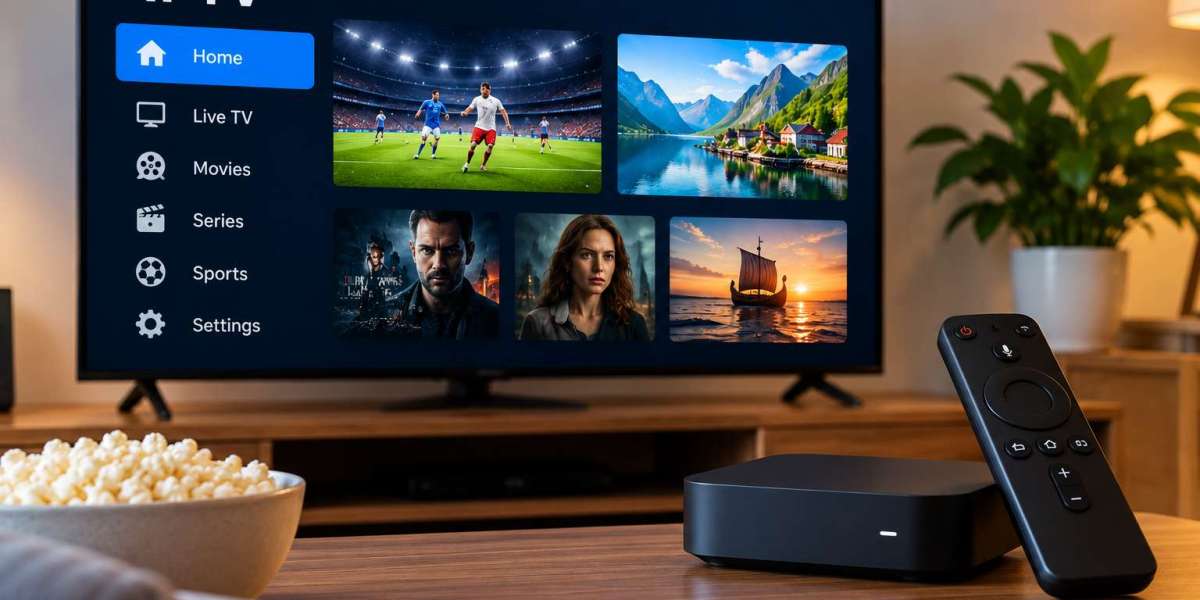

Watching IPTV at home can be as simple as installing an application on a Smart TV, but many viewers also use dedicated streaming boxes. Both options can provide a convenient way to access live television, movies, series, and other online content.
The better choice depends on the television, available applications, internet connection, and how much flexibility the viewer wants.
Understanding the differences between a Smart TV and a separate streaming device can make it easier to choose the right setup.
Using IPTV Directly on a Smart TV
Modern Smart TVs include operating systems that support streaming applications without requiring additional hardware.
Depending on the television brand and model, users may be able to install an IPTV-compatible player directly from the built-in app store.
Advantages of a Smart TV Setup
A direct Smart TV setup is appealing because it keeps everything simple.
Users normally need only:
A compatible Smart TV
An internet connection
An IPTV application
Valid service details
There is no separate box to connect, and the television remote can often control the entire experience.
This makes Smart TV applications suitable for viewers who prefer a clean entertainment setup with fewer devices and cables.
Possible Limitations of Smart TVs
Smart TVs vary significantly in performance.
Older models may have slower processors, limited storage, or fewer supported applications. Some television manufacturers also remove older applications from their app stores as software platforms change.
This means a television that works well today may have fewer app choices several years later.
Application availability can also differ between brands such as Samsung, LG, Android TV, and other platforms.
Before choosing an IPTV player, users should confirm that it is compatible with their exact television model.
What Is a Streaming Box?
A streaming box is a separate device connected to a television, normally through HDMI.
These devices provide their own operating system and applications instead of relying on the Smart TV's built-in software.
Common options include Android TV boxes and other dedicated media streaming devices.
A streaming box can be particularly useful when the television itself has limited application support.
Advantages of Using a Streaming Box
One of the main benefits is flexibility.
A dedicated streaming device may offer:
More application choices
Faster navigation
More frequent software updates
Additional storage options
Better support for different media formats
Easier replacement when hardware becomes outdated
Instead of replacing an entire television because its software becomes slow, users can upgrade only the streaming box.
This can make dedicated hardware practical for people who want to keep their television for many years.
Performance Can Be Better on Dedicated Hardware
Streaming boxes are designed primarily for media applications.
Higher-quality models may include faster processors and more memory than the built-in systems found in some televisions. This can improve menu responsiveness, channel navigation, and general application performance.
However, performance varies between devices.
An inexpensive streaming box with limited hardware may perform worse than a modern Smart TV. Users should therefore compare specifications rather than assuming every external device will be faster.
Internet Connection Matters for Both Options
Whether IPTV runs directly on a television or through a streaming box, network quality remains important.
A stable connection helps reduce interruptions and buffering.
Ethernet Connection
If available, Ethernet can provide a stable connection between the router and streaming device.
Many Smart TVs include Ethernet ports, while some streaming devices may require an adapter.
Wi-Fi Connection
Wi-Fi can also work effectively when the router provides strong coverage.
For better performance, users should avoid placing the router behind large objects or far from the viewing area.
Network congestion can also affect streaming when many household devices are online simultaneously.
Consider Application Availability
The choice between a Smart TV and streaming box often comes down to applications.
Some IPTV players may be available on Android-based devices but not on certain television platforms. Others may require different installation methods.
Before buying new hardware, users should check which IPTV applications are available for their preferred device.
People comparing Nordic-focused IPTV options can also review VIKING IPTV to understand available setup information and consider whether their preferred television or streaming device fits their intended viewing arrangement.
Smart TV Setup Is Best for Simplicity
A Smart TV can be the better choice when the viewer wants a straightforward setup.
It may be suitable when:
The television is relatively new
A preferred IPTV app is available
Navigation is already fast
No additional features are required
Fewer cables and devices are preferred
For casual viewing, this setup can provide everything needed without purchasing more hardware.
Streaming Boxes Offer More Flexibility
A dedicated streaming box can be more suitable for users who want greater control over applications and updates.
It may be useful when:
The Smart TV is older
The television has limited app support
More IPTV player choices are required
Faster hardware is preferred
The user wants an easily replaceable device
A streaming box can also help extend the useful life of an older television by adding modern streaming features.
Think About Remote Control Convenience
Using one remote is often more convenient than managing several.
Smart TV applications usually work with the television's original remote.
A streaming box may come with its own remote, although some television and HDMI features can allow basic controls to work across devices.
Users who prioritize simplicity should consider how many remotes they want to use in everyday viewing.
Video Resolution and Hardware Support
Both Smart TVs and streaming boxes may support HD, Full HD, or 4K playback.
However, the final quality depends on more than the screen resolution.
Users should check:
Maximum supported resolution
Video codec compatibility
HDMI capabilities
App compatibility
Internet performance
For 4K playback, every part of the setup should support the required resolution.
A 4K television alone does not guarantee that every application or stream will play in 4K.
Keep Software Updated
Regular updates can improve performance and compatibility.
Users should keep their television, streaming device, and IPTV application updated when official updates are available.
Updates may address:
Application crashes
Playback issues
Security problems
Device compatibility
Interface improvements
Older unsupported devices may eventually stop receiving updates, which is another reason some users prefer replaceable streaming hardware.
Which Option Should You Choose?
There is no single answer for every household.
A modern Smart TV with a reliable IPTV application may provide the easiest solution. It requires less hardware and keeps the entertainment area simple.
A streaming box can be better for users who value flexibility, broader application support, and easier hardware upgrades.
The right choice depends on the age of the television, preferred IPTV player, internet setup, and individual viewing habits.
Final Thoughts
Both Smart TVs and streaming boxes can provide a practical IPTV experience when they are properly configured.
Smart TVs offer simplicity and fewer devices, while streaming boxes can provide additional flexibility and app choices.
Before deciding, users should review their television's capabilities, available applications, network connection, and desired video quality.
Choosing hardware that matches existing equipment and viewing habits can make IPTV easier to navigate and more reliable for everyday entertainment.








