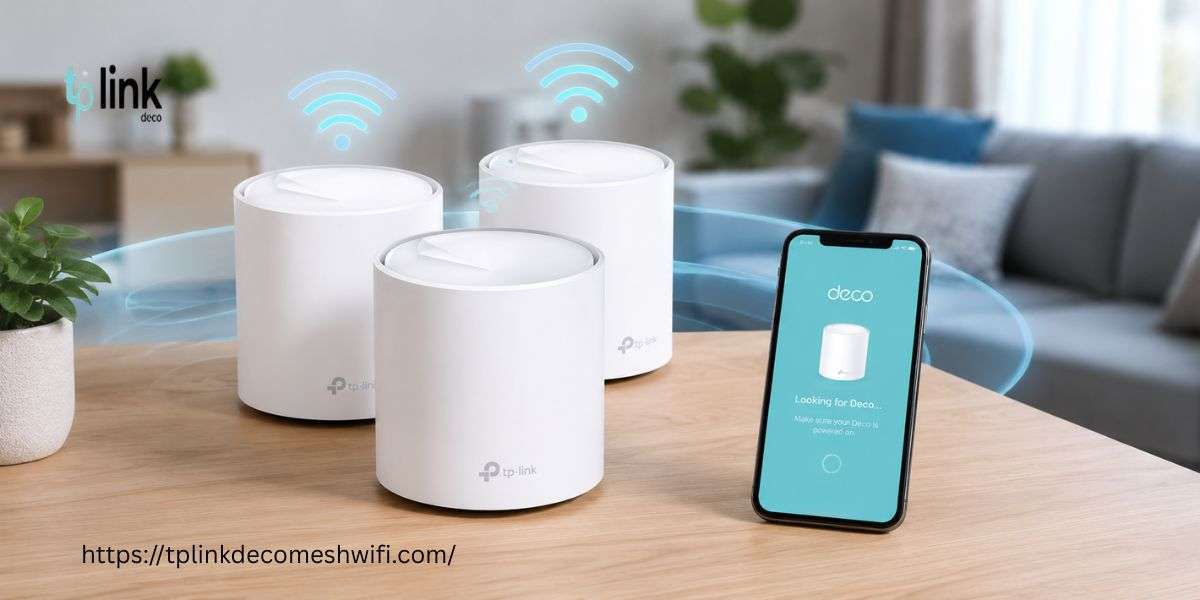

To update TP Link Deco firmware, open the Deco app and log in with your TP-Link ID. Select More > System > Update Deco if this option is available. Check for updates and follow the on-screen instructions. Keep your Deco units powered on during the update.
TP Link Deco firmware updates help improve network stability and fix software issues. Firmware is the built-in software that controls how your Deco mesh system works. Updating it can help resolve connection problems and improve device performance.
If you want to learn how to update Deco firmware , this quick guide explains the basic steps. You will also learn how Deco network login works and why firmware updates matter during your Deco mesh setup.
Why Should You Update Deco Firmware?
Firmware updates can help improve network stability and address known software issues. They may also introduce new features for supported models. Regularly checking for updates helps keep your home network running smoothly.
Benefits include:
Improved network stability
Fixes for known software bugs
Better compatibility with supported devices
Access to new features when available
More reliable performance during everyday use
Steps to Update TP Link Deco Firmware
Step 1: Open the Deco App
Install the official TP-Link Deco app on your smartphone. Connect your phone to your Deco network and open the app.
Step 2: Complete Deco Network Login
Sign in using the TP-Link ID linked to your Deco system. This Deco network login helps you manage your connected Deco devices and access network settings.
Step 3: Find the Firmware Update Option
Open the More tab and select System, followed by Update Deco. Some app versions may display the update option directly under More.
Step 4: Check for Updates
The app will show the current firmware status for your system. If an update is available, review the release information and select the download or update option.
Step 5: Install the Firmware
Follow the on-screen instructions to complete the installation. Keep every Deco unit powered on during the update. Your network may disconnect temporarily while the devices restart.
Step 6: Verify the Update
Wait for the Deco units to finish restarting. Open the update section again to check the firmware version and confirm whether the system is up to date.
Alternative Method Through the Web Interface
Some Deco models support firmware updates through a web management page.
Connect your computer to the Deco network.
Open the supported management address, such as http://tplinkdeco.net .
Sign in with the appropriate credentials.
Navigate to Advanced > System > Firmware Update if these options are available.
Follow the instructions for your model.
Not every Deco model supports web-based management. Always use the correct firmware for your exact model and hardware version.
Troubleshooting Firmware Update Problems
If the update fails, try these solutions:
Restart the main Deco and your modem before trying again.
Check that your internet connection is stable.
Move satellite Deco units closer to the main unit.
Keep all Deco devices powered on.
Check the official support page for your model if the update still fails.
Avoid installing firmware intended for another model or hardware version. An incorrect firmware file can damage your device.
Conclusion
Learning how to update Deco firmware can help you maintain a stable and reliable mesh network. Use the Deco app whenever possible and follow the instructions for your model. Keep your Deco mesh setup powered on during installation and verify the update after restarting.
Frequently Asked Questions
1. How often should I update Deco firmware?
Check for updates regularly and install recommended releases when available.
2. Can I update Deco firmware using my phone?
Yes. The official Deco app supports firmware updates for all Deco models.
3. Will updating firmware reset my Deco settings?
Not usually. However, some updates may have specific requirements. Review the release notes before proceeding.
4. What should I do if the firmware update fails?
Restart your network equipment and try again. If the problem continues, contact TP-Link support.
5. Does firmware updating affect my Deco mesh setup?
Your network may temporarily disconnect while the Deco units restart. Normal connectivity should return when the update finishes successfully.








