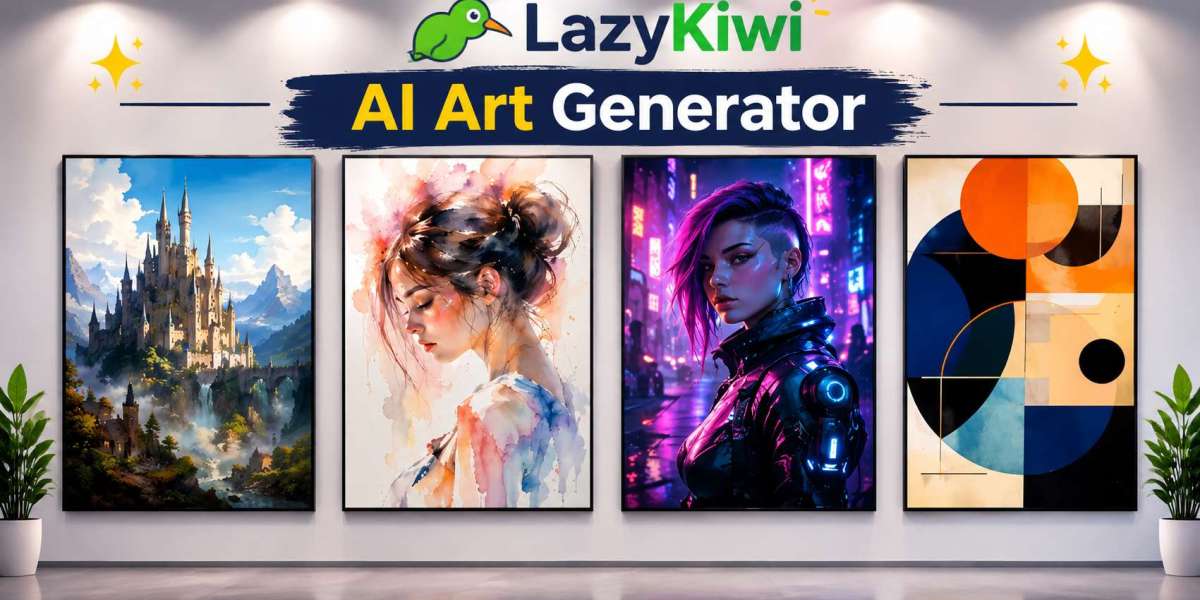

A few years ago, making custom artwork meant hiring a designer or learning complex software. Today, you can type a few words or upload a photo and get something usable in minutes.
That is great news for musicians, streamers, small business owners and anyone who just likes to play. But easy tools still need a good approach. Poor inputs give poor results. And when real faces are involved, you need to think about privacy too.
This guide explains what each type of creative tool does, when to use it and how to avoid the usual mistakes.
Why Creative AI Tools Matter Now
Visuals decide whether people click. A weak profile picture, a dull cover or a flat post gets scrolled past. A sharp one earns attention.
AI tools lower the cost of trying ideas. You can test five looks in the time it once took to sketch one. That speed helps small creators compete with bigger teams.
The trade-off is sameness. If everyone types the same simple request, everyone gets similar images. The creators who stand out are the ones who add their own taste and direction.
Start With a General Image Tool
If you are new, begin with an ai art generator. It turns written ideas into images. You describe a scene, and the tool draws it.
Think of your request as a short creative brief. Name the subject, the setting, the style and the mood. “A fox in a snowy forest at dawn, soft watercolor, calm” will beat “cool fox picture” every time.
Keep each request focused on one idea. If the first result is close but not right, change one detail at a time. Swap the style. Adjust the lighting. Small edits teach you what the tool responds to.
Create a Look That Represents You
Profile pictures do a lot of quiet work. They show up in comments, chats, and search results. An ai avatar generator helps you build a character version of yourself or a fully invented persona.
This works well for gaming, forums, and brands that want a mascot. It also helps people who prefer not to share their real photo online.
Pick one style and stick with it across platforms. A consistent avatar is easier to recognise. Check that it still reads clearly when shrunk to a tiny circle. Fine detail disappears at small sizes, so choose bold shapes and strong contrast.
Design Cover Art That Fits the Music
Streaming platforms show your cover at thumbnail size first. If it looks cluttered, nobody stops. An ai album cover generator gives independent artists a quick way to test visual directions before release.
Match the picture to the sound. A dark, moody track needs a different palette from an upbeat pop single. Describe the emotion, not just the objects.
Leave space if you plan to add the title and artist name. Text on top of a busy image is hard to read. Always check your final design at a very small size before uploading.
Add Motion to Your Ideas
Static images are good. Movement gets noticed faster. An ai animation generator helps you turn concepts into short moving clips, such as looping visuals, story snippets, or social posts.
Keep animations short and simple. One clear action beats five things happening at once. Short loops also work well as backgrounds and intros.
If you are making a music visualizer, keep the motion tied to the beat or mood. Random movement feels distracting and cheap.
Play With Time Using Face Effects
Few tools get shared as often as an age filter. People use it to see how they might look older or younger, and to make fun content for friends.
For the best result, use a clear, front-facing photo. Good light matters. Heavy shadows, sunglasses, and strong angles confuse the effect. Remember that the result is a guess for fun, not a forecast of what will happen.
Imagine the Future With a Baby Preview
Couples and curious friends often try an ai baby generator to see a playful mix of two faces. It is entertainment, nothing more. Real children inherit traits in ways no image tool can predict.
Share the result as a joke or keepsake. Do not treat it as science. And do not pass it off as a photo of a real child.
Gap Coverage: What Most Guides Leave Out
Consent comes first
Never upload someone else’s face without asking. This applies to partners, friends, and especially children. Ask first, and delete the files if they change their mind.
Know where your images go
Before uploading personal photos, read the privacy and storage terms of the tool. Check whether images are kept, for how long, and how you can remove them.
Licensing and commercial use
If you plan to sell merch, release music, or run ads with your creation, check the usage rules. Some terms allow commercial use. Others do not. Save a note of what you used and when.
Size and format
Each platform has preferred dimensions. Square works for most profile images and album art. Vertical suits short videos. Export at the highest quality available, then resize only once.
Be honest with your audience
If an image is AI-made, say so when it matters, such as in news, product photos or testimonials. Trust builds slowly and breaks fast.
A Simple Workflow You Can Follow
Decide the goal: profile, cover, post, or clip.
Write a one-sentence brief with subject, style, and mood.
Generate three to five versions.
Choose one and refine it with small changes.
Check it at thumbnail size and on a phone.
Confirm usage rules and consent.
Export in the right size.
Conclusion
Creative AI tools make good design easier to reach. But they work best when you bring direction. Know your goal, give clear input, and respect other people’s faces and rights.
Start with one project this week. Make a new avatar, a cover mock-up, or a short loop. Learn what works, then build from there.
FAQs
What is the best way to start making AI images?
Write a short brief with a subject, a setting, a style, and a mood. Then adjust one detail at a time.
Can I use AI-made images for commercial work?
Sometimes. It depends on the tool’s terms, so read the usage rules before selling or advertising anything.
Are baby preview tools accurate?
No. They create a fun blend of two faces. They cannot predict how a real child will look.
Is it safe to upload my photo?
Check the privacy policy first. Look at how long files are stored and whether you can delete them.