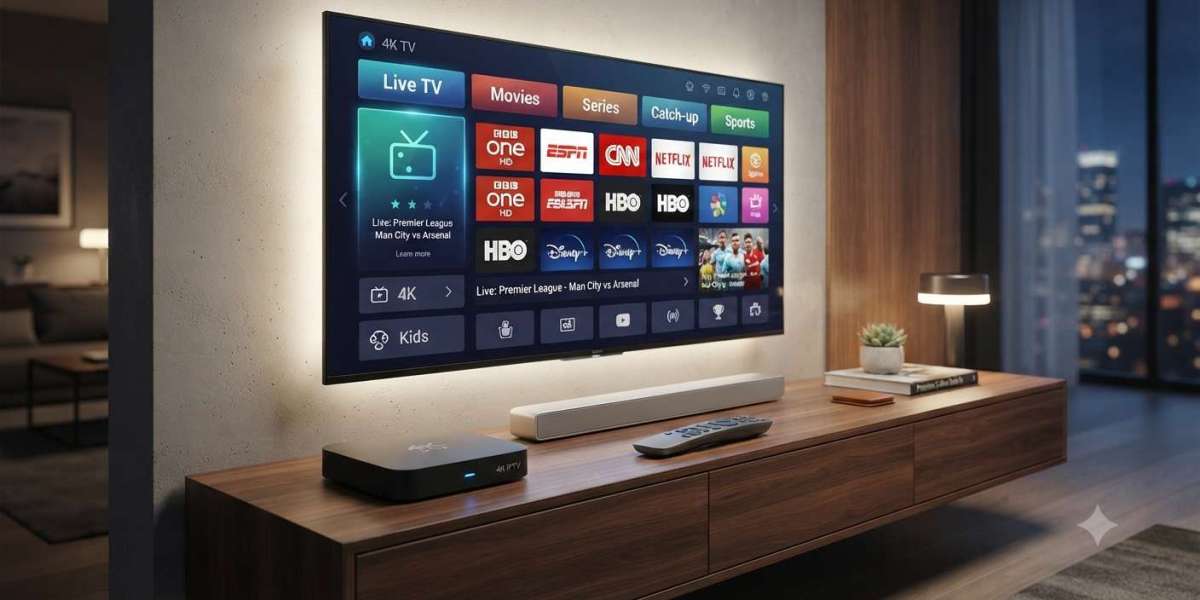

Television entertainment has changed significantly over the years. With the development of internet technology, viewers now have more ways to access their favourite programmes, movies, sports, and news.
Traditional cable and satellite television are no longer the only options for home entertainment. Internet-based platforms provide additional flexibility through compatible applications and connected devices.
Understanding how an IPTV Service works can help you explore modern television options and choose a suitable solution for your household.
What Is IPTV?
IPTV stands for Internet Protocol Television. It is a technology that delivers television programming through an internet connection.
Traditional television generally relies on cable or satellite distribution networks, while IPTV uses internet infrastructure to deliver supported content.
Depending on the provider, users may access live television, movies, sports, news, and on-demand entertainment.
The content available depends on the provider's authorised catalogue and subscription conditions.
Why Are More Viewers Exploring Internet Television?
Internet-based television offers different features that may suit modern households.
Flexible Viewing Devices
One important advantage is the availability of different compatible devices.
Depending on the application, users may access streaming through:
Smart TVs.
Amazon Firestick.
Android TV.
Google TV.
Smartphones.
Tablets.
Computers.
This flexibility allows viewers to choose the equipment that works best for them.
Different Entertainment Categories
Internet television platforms may organise content into different sections.
These can include sports, news, movies, documentaries, entertainment, and international programming.
A simple interface can make it easier to explore available content.
Convenient Application Access
Many streaming platforms use application-based interfaces.
Users can browse categories, manage account settings, and access supported entertainment through a television screen.
Important Features to Look for in an IPTV Service
Choosing the right provider requires evaluating several factors.
Channel Selection
Check the actual channel list before purchasing.
Make sure the content matches your viewing preferences rather than relying only on advertised channel numbers.
Video Quality
Review the available video resolutions and technical requirements.
The actual viewing quality depends on your internet connection, device, and provider infrastructure.
Device Compatibility
Confirm that the service supports your preferred television or streaming device.
User-Friendly Interface
An organised application should make it easy to browse programmes and manage settings.
Customer Support
Check whether installation guidance and technical assistance are available.
Transparent Subscription Terms
Review the complete price, billing period, renewal conditions, cancellation policy, and refund arrangements.
Also make sure the provider has the necessary rights to distribute the advertised content.
How to Set Up Internet Television
Setting up a streaming service generally involves a few basic steps.
Check whether your television or streaming device is supported.
Connect your device to a stable internet connection.
Install the compatible application through an official or trusted source.
Follow the provider's authorised account setup instructions.
Configure the application settings.
Explore the available content categories.
The exact process depends on the application and device.
Internet Connection and Streaming Performance
A stable broadband connection is essential for a good streaming experience.
If your internet connection is unreliable, you may experience buffering, interruptions, or reduced picture quality.
To improve performance, keep your router in an open location, use Ethernet when possible, and avoid unnecessary downloads during streaming.
It is also helpful to keep your television and applications updated.
IPTV vs Traditional Television
Both internet-based television and traditional cable services offer ways to enjoy entertainment, but they use different delivery systems.
Cable television relies on a physical cable network, while IPTV uses internet connectivity.
The better option depends on your viewing preferences, local service availability, equipment, internet reliability, and budget.
Compare available packages before deciding which option suits your household.
How to Choose a Suitable Subscription
Before purchasing a package, consider your actual entertainment requirements.
Check whether the provider offers your preferred channels and supports your devices.
Compare subscription prices and review the number of permitted connections.
Read the cancellation and renewal conditions carefully.
If a trial is available, use it to evaluate the service before committing to a longer subscription.
Always verify the provider's content distribution rights.
Common IPTV Issues and Practical Solutions
Buffering During Playback
Check your broadband connection and Wi-Fi signal. A wired connection may help.
Application Not Opening
Restart your device and check for application updates.
Account Access Problems
Verify your login information and account status.
Poor Streaming Quality
Check your internet performance and selected video resolution.
If problems continue, contact the relevant technical support team.
Frequently Asked Questions
What is an IPTV service?
It is a television delivery method that uses internet connectivity to provide supported programming through compatible applications and devices.
Do I need a cable connection?
No. Internet television uses a broadband connection instead of requiring traditional cable infrastructure.
Can I use IPTV on a Smart TV?
Yes, if your television supports the required application.
Is IPTV available on Firestick?
Compatible Firestick models support various streaming applications.
What should I check before subscribing?
Review channel availability, streaming quality, device compatibility, pricing, customer support, and content licensing.
Final Thoughts
Internet television has introduced additional ways to enjoy entertainment through connected devices. Its flexibility and application-based access make it an option worth exploring for modern households.
Before choosing a provider, understand your viewing requirements and compare the available features carefully. Check device compatibility, subscription terms, internet requirements, and content distribution rights to make a well-informed decision.