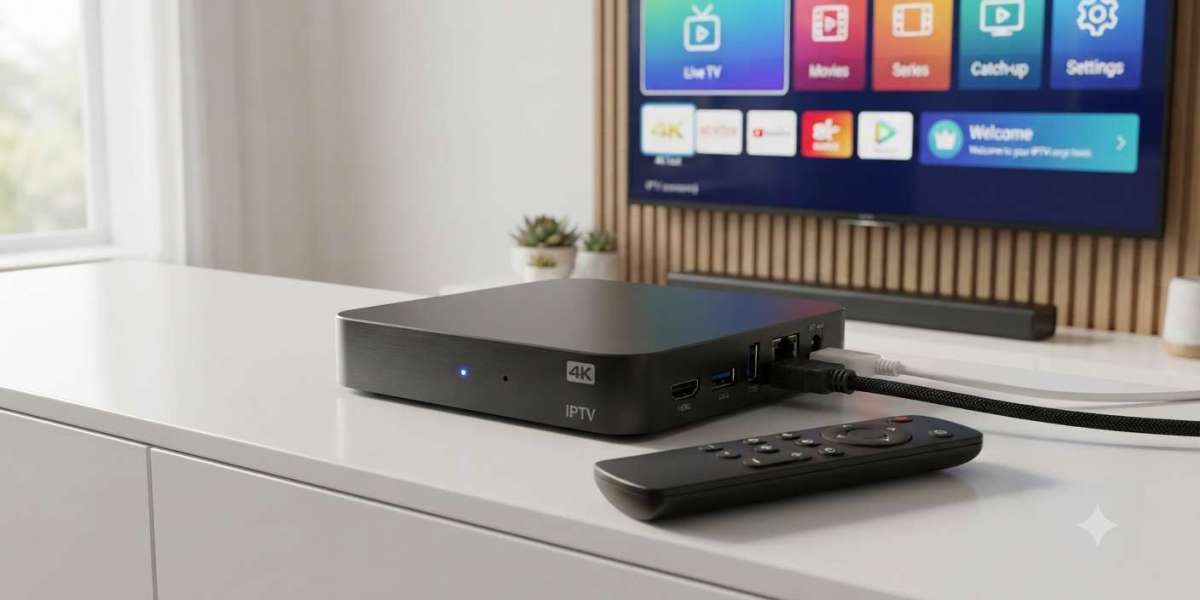

Streaming devices have become an important part of modern home entertainment. They allow people to access compatible applications, online movies, television programs, and other digital content directly on their televisions.
For households comparing an IPTV Box in USA, choosing the right hardware is important for enjoying a smooth and convenient experience.
What Is a Streaming Box?
A streaming box is a small electronic device that connects to a television through HDMI. It uses an internet connection to run supported applications and display digital content.
Many devices use Android TV, Google TV, or another operating system. Users can navigate applications using a remote control and select content available through their subscriptions.
The device itself does not guarantee access to every channel or movie. Content availability depends on the applications and services used.
Why Do People Buy Streaming Boxes?
A separate streaming box can provide additional flexibility, especially when a television has limited built-in software.
Access to Compatible Applications
Users can install supported streaming applications from official stores.
Better Software Experience
A newer streaming device may offer a more modern interface than an older Smart TV.
Flexible Entertainment
Depending on the available applications, a device can support movies, television programs, music, educational content, and other entertainment.
Easy Television Connection
Most modern streaming boxes connect through HDMI, making installation relatively simple.
Features to Compare Before Buying
Choosing a device requires attention to both hardware and software.
Resolution Support
Check whether the device supports Full HD or 4K resolution. Your television and content subscription must also support the selected resolution.
Memory and Storage
Sufficient RAM helps with application performance, while internal storage provides space for software installations.
Operating System Updates
Choose a device with a reputable manufacturer and a clear software update policy.
Network Connectivity
Dual-band Wi-Fi and Ethernet support can be useful for stable streaming, depending on your home network.
Application Compatibility
Confirm that the applications you want are supported by the device's operating system.
Setting Up Your Device
Most streaming boxes follow a similar installation process.
First, connect the device to an HDMI port on your television. Then connect the power supply and turn on the television.
Follow the on-screen instructions to select your language, connect to the internet, and complete the device setup.
Next, sign in to the official application store and install the streaming applications you want to use. Only install applications from trusted sources.
Improving Streaming Performance
A good streaming device still needs a reliable internet connection.
If you experience buffering, try these steps:
Check your internet speed.
Restart your router and streaming device.
Move the router closer to the device.
Use a wired Ethernet connection if available.
Close unnecessary applications.
Install available software updates.
These steps can help identify common network or software problems.
Understanding Legal Content Access
People shopping for streaming equipment should understand the difference between a device and a content subscription.
A streaming box is hardware. It does not automatically provide legal access to premium television channels.
Before paying for any service, review its licensing information, content availability, privacy policy, and subscription conditions. Avoid providers that make unrealistic claims about unrestricted access to paid programming.
Should You Choose a Streaming Box or Smart TV?
If your television already supports the applications you need, its built-in platform may be enough.
A separate box may be worth considering if your television is older, its software is outdated, or you want additional features.
Compare the cost of a new device with the benefits it provides before purchasing.
Final Thoughts
Choosing an IPTV box in the USA involves more than looking at its price. Check operating system support, application compatibility, resolution, connectivity, and software updates.
A reputable streaming device paired with a stable internet connection and legitimate applications can provide a convenient entertainment setup for your home.